

Overview
The Wave integration allows you to seamlessly sync invoices created inside your CRM directly into your Wave accounting account. This eliminates the need to manually recreate invoices in Wave, helping streamline your billing workflow and reduce repetitive work.
What the Wave Integration Does
Your CRM → Wave
When enabled, the integration automatically syncs:
-
New invoices created inside your CRM
-
Updates made to those invoices (such as line items, totals, customer info, etc.)
The sync is one-way, from your CRM into Wave.
Important limitations
Wave currently does NOT support:
-
Syncing payment receipts from your CRM
-
Syncing invoice status changes (paid, partially paid, etc.) (Wave restrictions)
This means:
-
Only invoices are synced
-
Status updates (e.g., marking an invoice as paid) must be manually updated inside Wave
-
Your CRM cannot update invoice payment statuses in Wave due to Wave’s API limitations
How to Set Up the Wave Integration
-
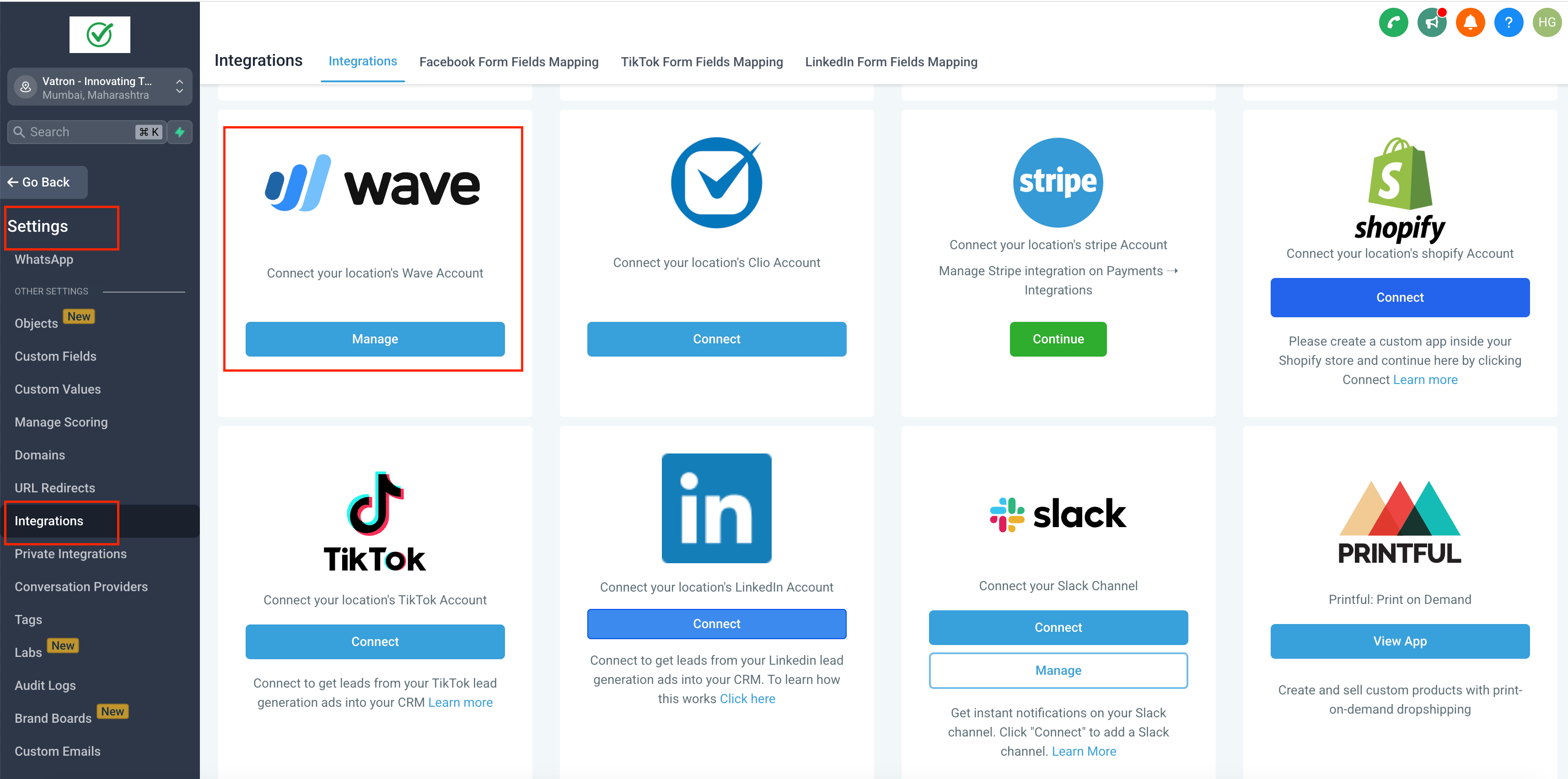
Go to Settings → Integrations → Wave
-
Click Manage
-
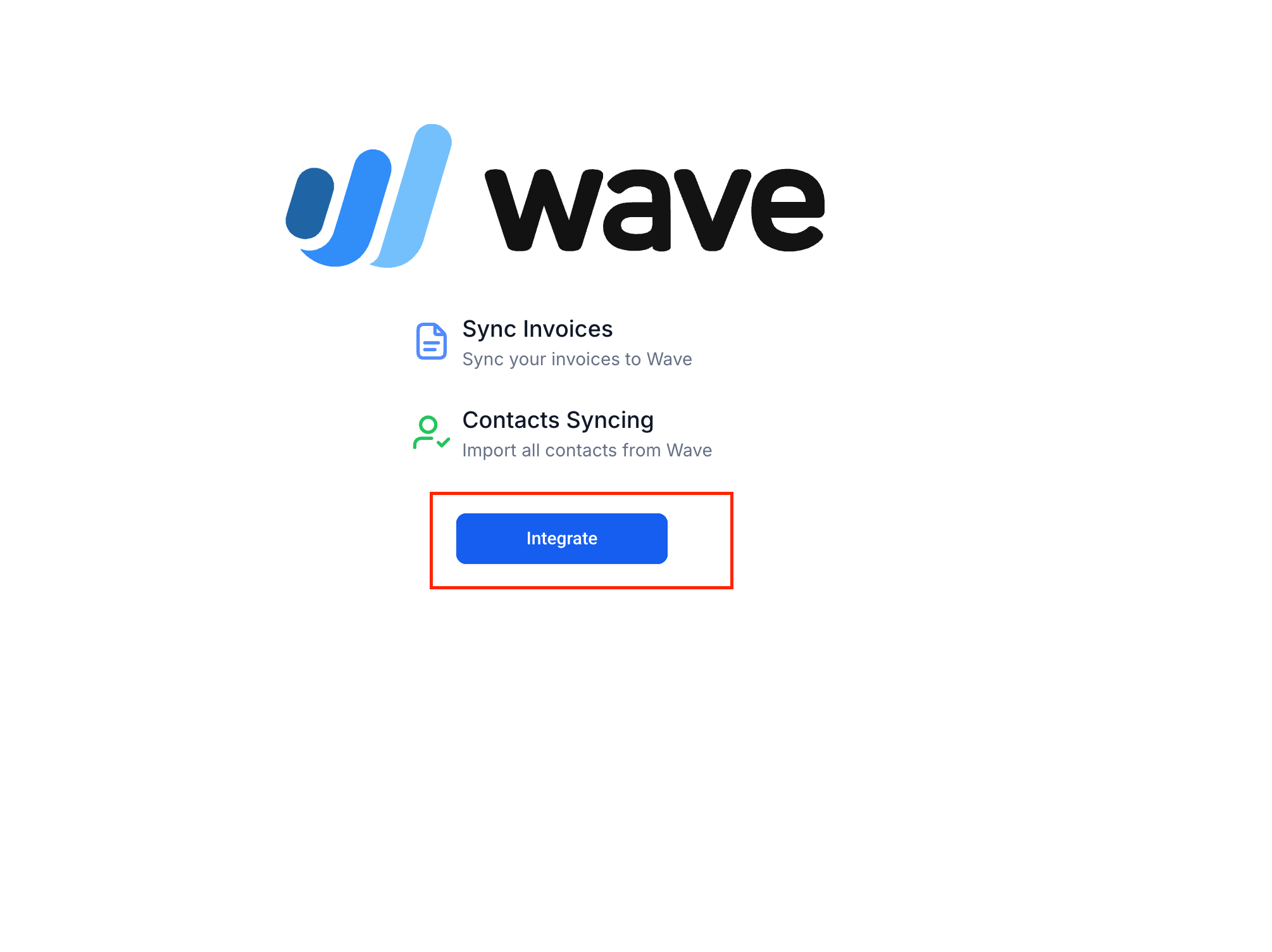
Log in with your Wave credentials
-
Approve access for the one-way invoice sync

-
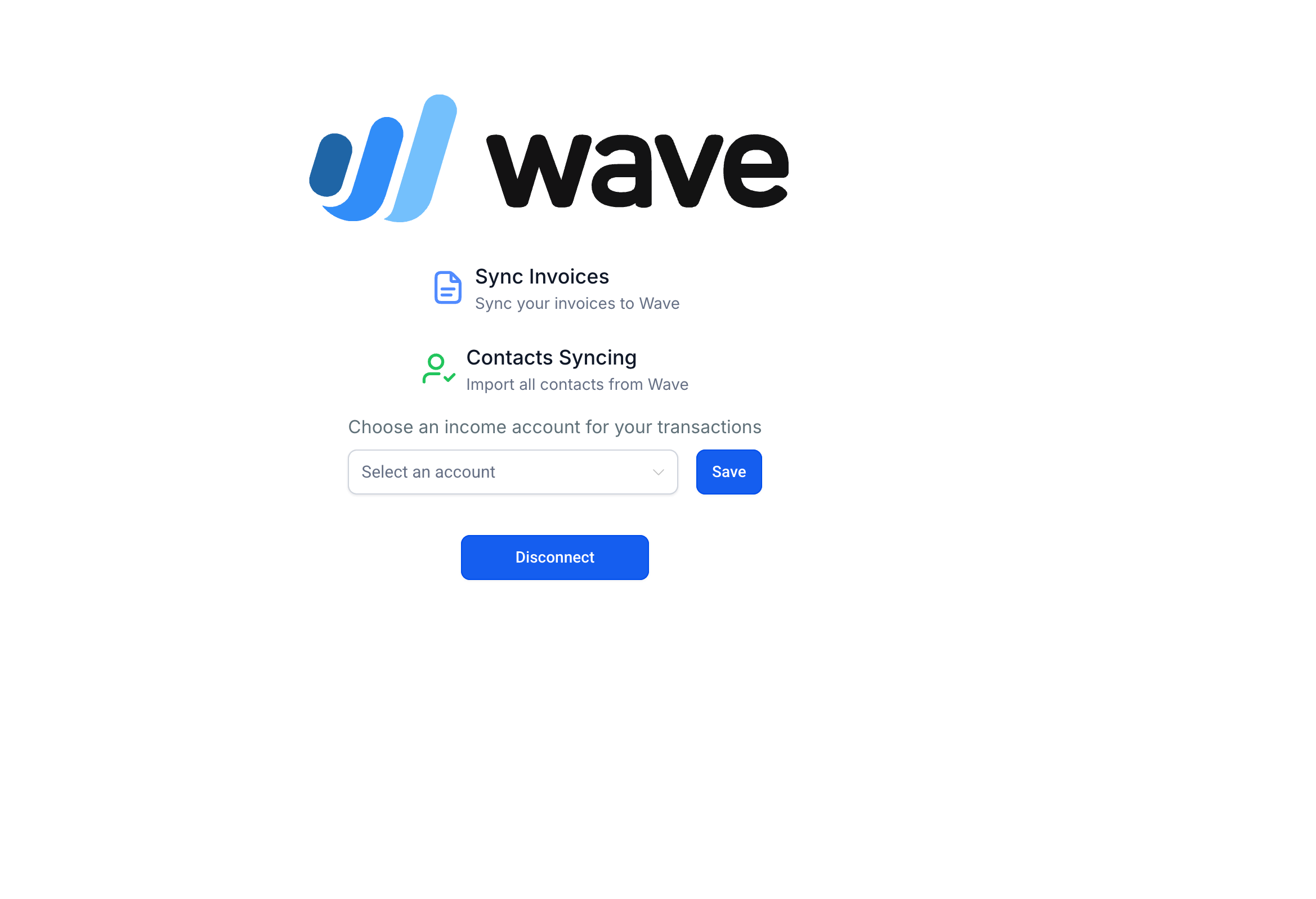
Select the Wave account where invoices should sync
-
Click Save
Once saved:
✔️ Any invoice created in your CRM from this point forward will automatically sync to Wave.