This article explains how to track assets such as messages, leads, and reviews from your connected Google Business Profile page.
TABLE OF CONTENTS
Messages
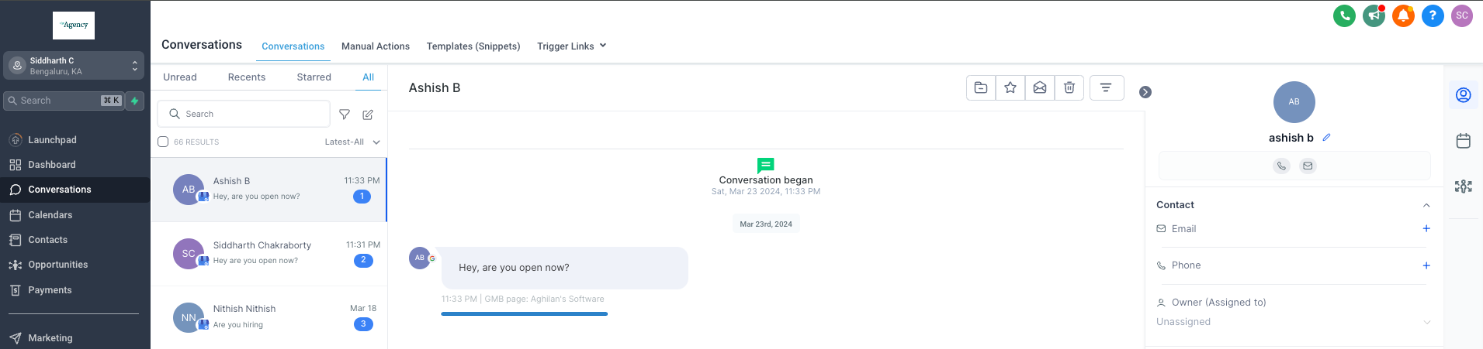
When a customer visits your GBP page and sends a message via the chat section, the message is fetched under the Conversations page.
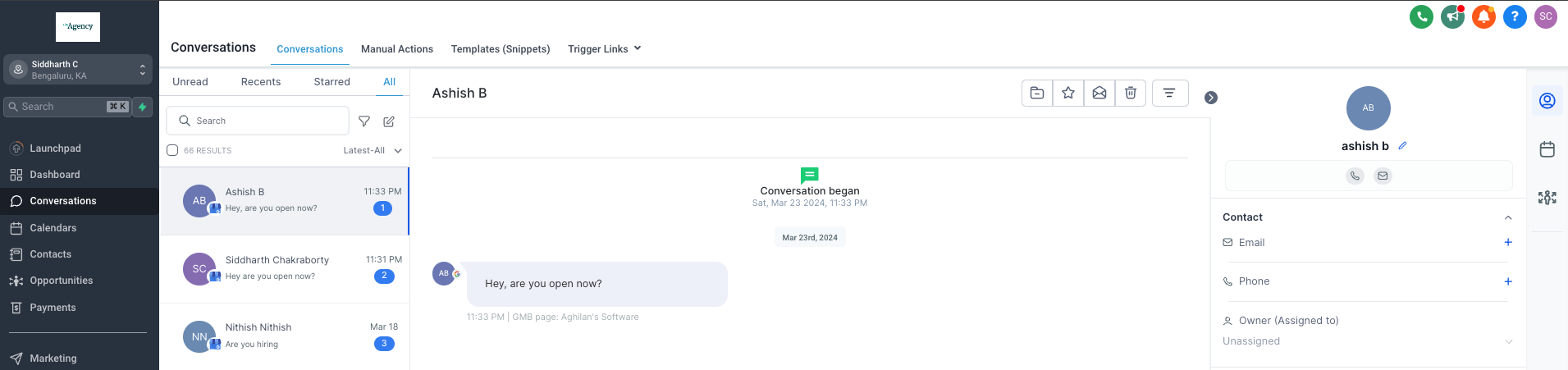
Based on the inbound message received, you can further engage with your customer directly from your CRM (Conversations page level) by sending an outbound message.
The message will also display the GBP page name from where it was initiated. This feature is particularly useful in identifying the specific business page a customer is reaching out from, especially if you have multiple business pages connected.
Ratings & Reviews
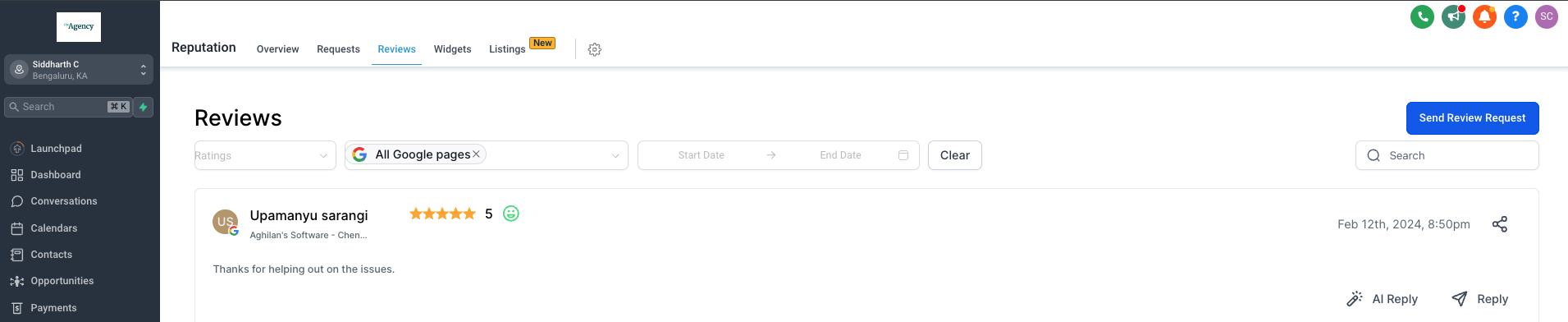
When you receive a review from a customer, the review data is accessible on the Reviews page under the Reputation module. Here, you can view, track, and respond to reviews received from the connected Google Business pages.
Each review also indicates the business page name on which it was received, which is crucial when managing multiple pages.
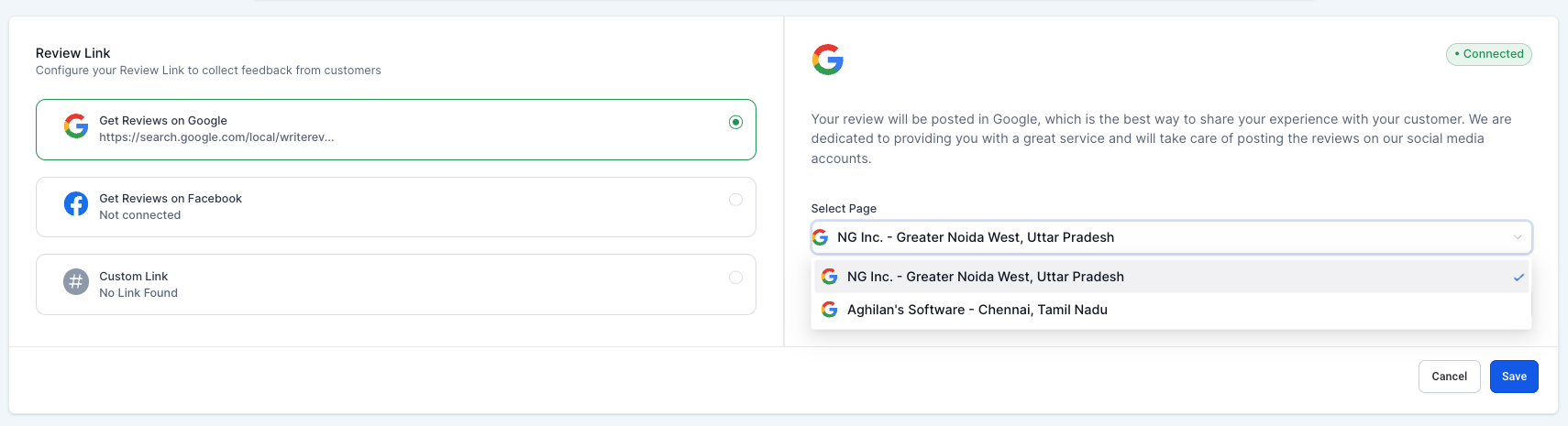
If multiple pages are connected, you can configure the reviews link for each one and select a primary page. This allows you to send your contacts a review request link to gather more Google reviews for your business.
This configuration is available from the Reputation Management tab within the Settings module.
Contacts
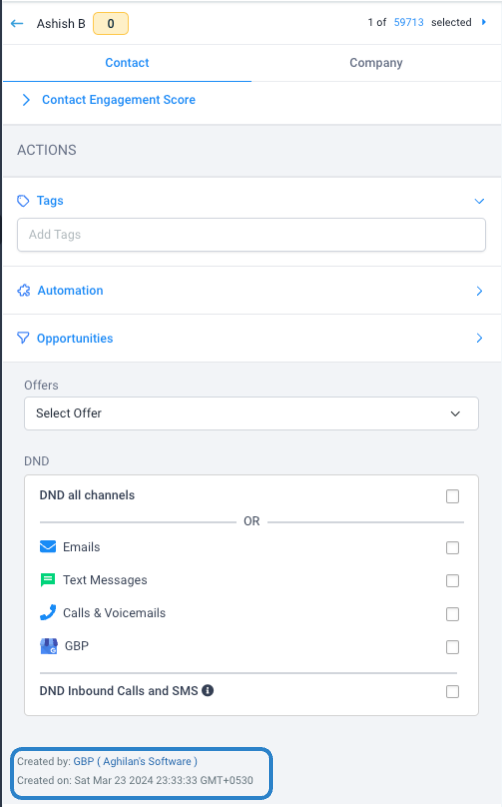
You can view the contact or lead record created from messages or reviews for your connected GBP pages within the Contacts module.
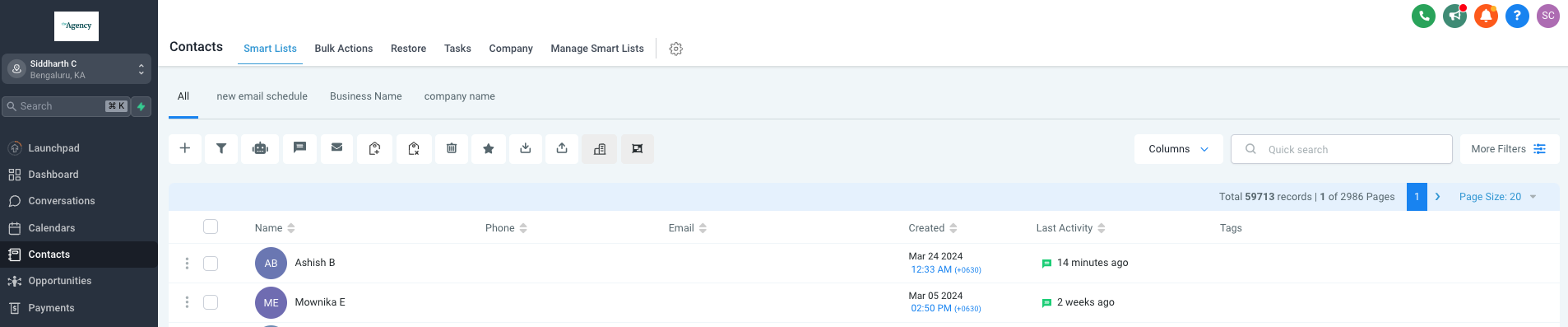
Click on a contact to visit their details page, where you can find the source and page details from where the contact was generated.